End of Day (Wrap-up & Backup)
Once all your deliveries are finished, log your results and tidy up your data.
1Run the end-of-day wrap-up
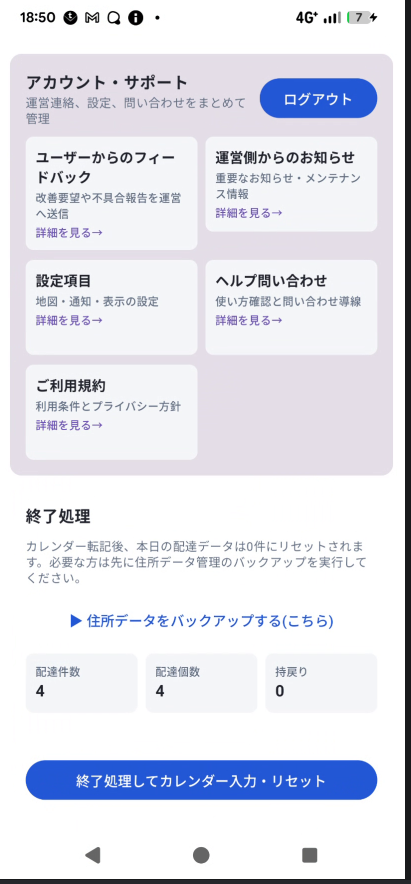
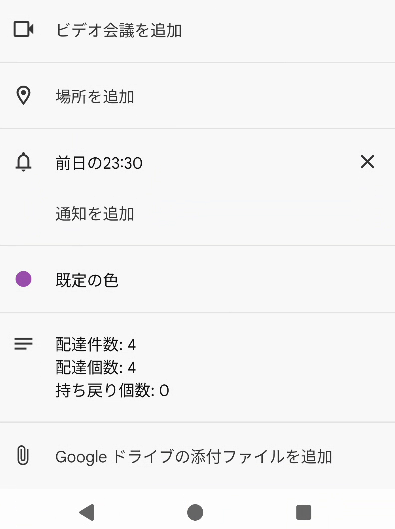
Open "Announcements" from the side menu and tap the "End of day" button. Your results — number of stops, completed deliveries, and returns — are automatically added as a calendar event on your device.
If it succeeds, today's package list is automatically cleared, ready for tomorrow. If it fails, your package data is left untouched and an error message is shown.
2Back up your data
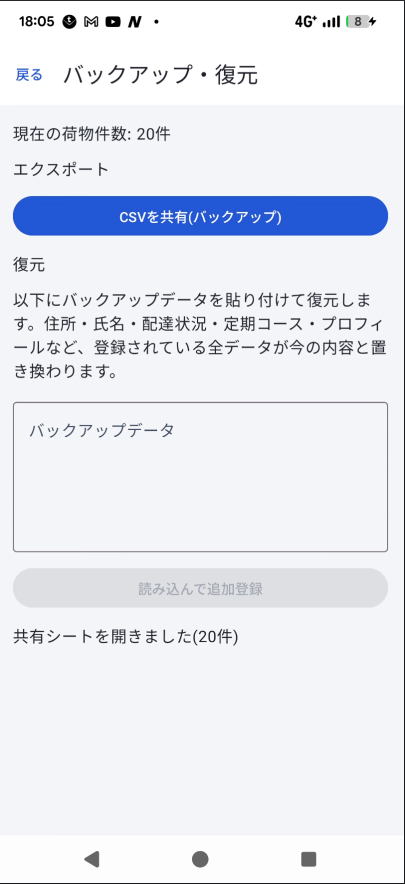
From "Backup / Restore" in the side menu, you can export your registered package data as a CSV file. Tapping "Export CSV" opens the share sheet so you can save it via email or a file app.
3Restore your data
Paste the contents of a backed-up CSV and tap "Import" to restore your package data. After a confirmation step, the number of records restored is shown.